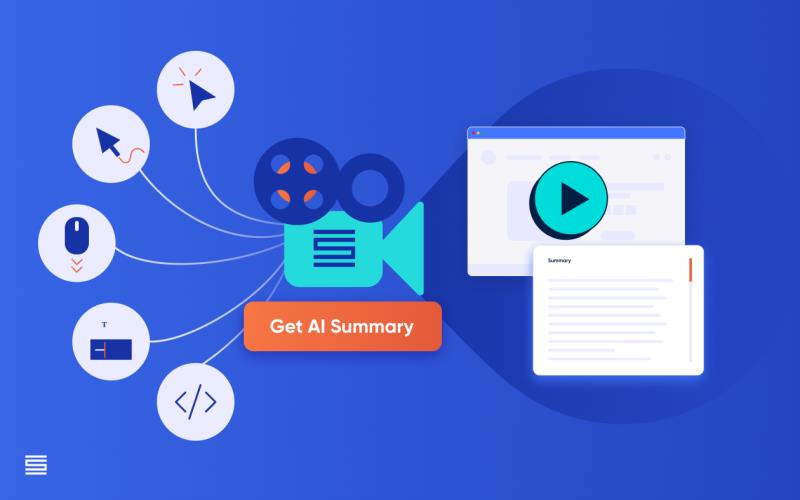
Imagine running a website and wanting to see how visitors interact with it. Tools for session replay make this possible. They record user actions, like clicks and scrolls, allowing you to watch them later. This helps in identifying issues and improving the user experience.
These tools are valuable for anyone looking to understand their audience better. They are straightforward to use, even for those not tech-savvy. This article tells you what session replay tools are, how they work, and their key features.
What is Session Replay?
It captures a user’s journey on a website. It shows every click, mouse movement, and scroll. Think of it as a video recording of a visitor’s interaction with your site. This allows you to see exactly how users engage with your content. Understanding these interactions helps in making informed decisions about design and functionality.
How Session Replay Works
These tools record data in real-time. When a user opens a website, the tool starts tracking their actions. It logs every movement and click. Later, you can play back these sessions like a video. The data is stored securely and can be reviewed at any time. This process provides insights into user behavior, making it easier to spot patterns and areas for improvement.
Core Features of this Software
Several features make them indispensable, including the ones below:
- Click Tracking: Logs where users click, helping identify popular areas.
- Scroll Mapping: Shows how far users scroll down a page.
- Mouse Movement Tracking: Captures where users move their cursor.
- Form Analytics: Analyzes how users interact with forms.
- Heatmaps: Visual representations of user activity.
- Error Logging: Records issues users encounter.
- Playback Controls: Allows pausing, rewinding, and fast-forwarding sessions.
- Segmentation: Filters sessions based on user demographics or behavior.
Benefits of Using Them
These tools offer numerous advantages:
- Improved User Experience: Identifying pain points helps enhance site design.
- Increased Conversion Rates: Understanding user behavior can boost sales.
- Error Detection: Quickly find and fix bugs.
- Better Customer Support: Replays can help resolve user issues faster.
- Informed Decision Making: Data-driven insights lead to smarter choices.
- Enhanced Analytics: Complements traditional metrics with visual data.
- User Feedback: Directly see what users struggle with.
- Optimization: Fine-tune website elements based on real interactions.
Analyzing User Behavior with Session Replay
Analyzing user behavior involves reviewing recorded sessions. Look for patterns in how users navigate the site. Identify common paths and stumbling blocks. Pay attention to where users drop off or spend the most time. These insights help optimize the user journey. The goal is to make the website as intuitive and user-friendly as possible.
Tips for Choosing the Right Tool
Selecting the right tool involves several factors. Ease of use is crucial. It should be simple to set up and use. Look for essential features that meet your needs. Ensure the tool has the capability to grow with your business, considering scalability. Factor in your budget and the tool’s pricing model. Opt for a tool with reliable customer support. Check if the tool integrates with your existing systems. Lastly, ensure robust security features are in place.
One of the best ways to gain an insight into user behavior is through session replay tools. They help improve websites by showing exactly how visitors interact with content. From tracking clicks to analyzing form interactions, these tools provide valuable data.
